

FlowForge
n8n-style automation workflows that connect AI, APIs, and ops
Platforms: Web
Problem
Teams stitch tools together with brittle scripts and manual handoffs. When one step fails, the whole process stalls.
Solution
A market-ready automation studio: drag-and-drop nodes, AI steps, retries, and monitoring so business workflows keep running.
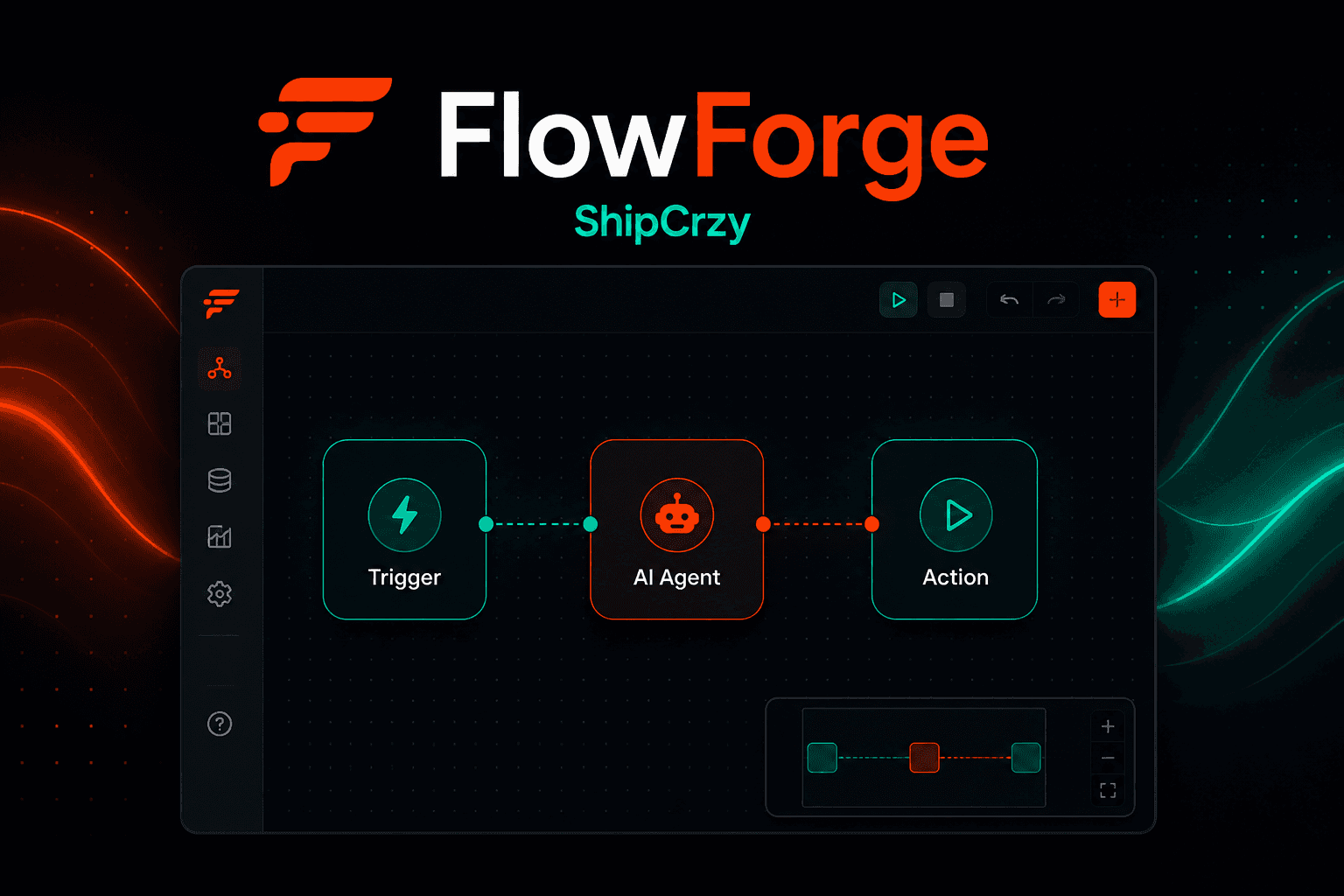
FlowForge is a visual automation platform for building production workflows across AI agents, CRMs, notifications, and third-party APIs.
Use cases
Real flows inside FlowForge, from first open to paid actions.
- case_01
Ops automation
Connect triggers, AI steps, CRM updates, and notifications without brittle scripts.
- case_02
AI agent workflows
Run multi-step agent actions with tools, retries, and live run logs.
- case_03
API orchestration
Glue SaaS tools and webhooks into reliable production pipelines.
- case_04
Internal process bots
Automate approvals, alerts, and handoffs across teams.
Tech stack
Mobile, native, web, AI, and backend pieces that ship in production.
Platform
- ▸Node.js
- ▸n8n-style builder
- ▸Webhooks
AI
- ▸OpenAI
- ▸Agent nodes
- ▸Tool calling
Integrations
- ▸CRM
- ▸Slack / notify
- ▸Custom APIs
Payments & subscriptions
How FlowForge charges, unlocks Pro, and handles money in-app.
Model
SaaS seats + usage
Payments
- ●Card (Stripe)
- ●Invoice for teams
Subscription
Starter / Pro / Team plans by workflow runs and seats
Teams subscribe by seat and monthly run volume. Higher tiers unlock more AI steps, concurrent runs, and priority support.
Highlights
- ▸Visual workflow builder
- ▸AI agent + tool nodes
- ▸CRM, email, and webhook integrations
- ▸Live run logs and retries